AI Caricature Apps Trend
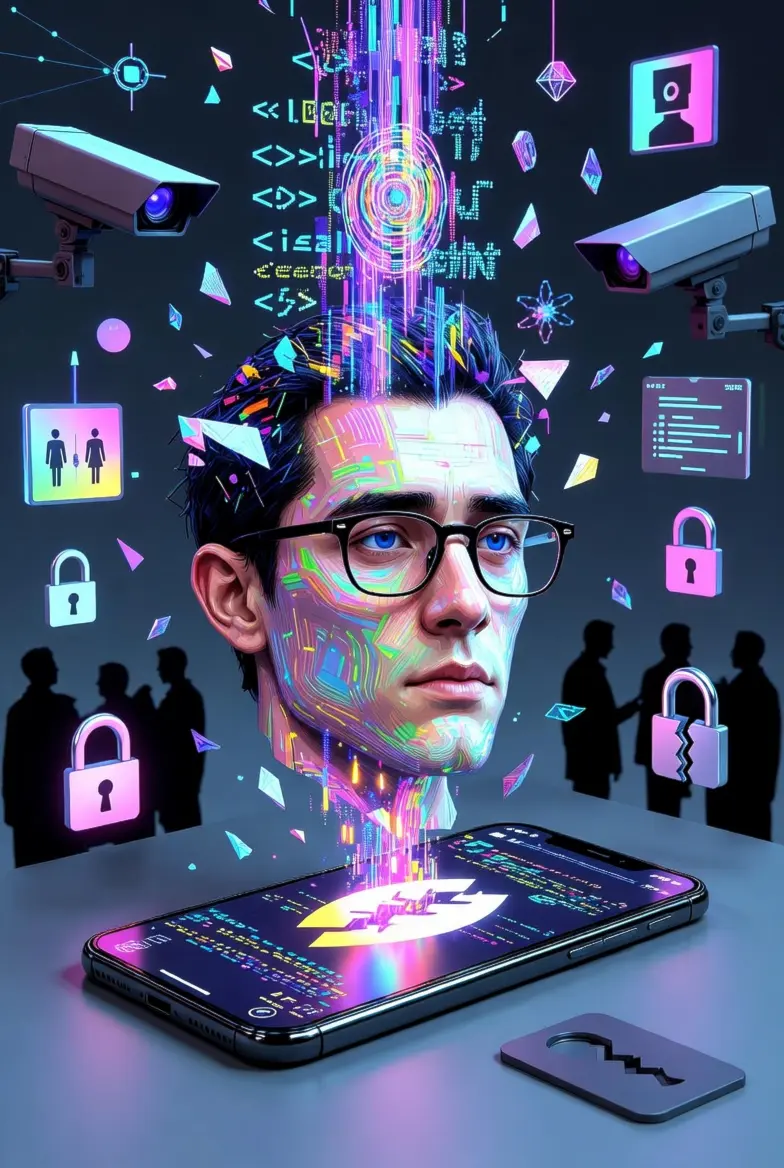
The internet is currently captivated by the latest viral trend: using AI to transform personal photos into humorous, stylized caricatures. From LinkedIn professionals to casual social media users, millions are participating in the “ChatGPT Caricature” phenomenon. However, as these images spread across feeds, cybersecurity experts are sounding the alarm.
There is a growing consensus that while the results are entertaining, the trade-off— surrendering highly sensitive biometric data & device data — is a permanent decision with long-term risks.
Phase 1: Is Your Face the Product? The Hidden Cost of Viral AI Filters
It is often said in the tech world that if the service is free, you are the product. With viral AI apps, the product is your biometric identity. When a user uploads a photo to an unverified AI platform, they aren’t just getting a funny drawing; they are handing over a mathematical map of their face.
The Metadata Leak Many users are unaware that a standard photo file contains more than just an image. It holds EXIF metadata, which can include:
- The exact GPS coordinates of where the photo was taken.
- The specific device model and software version used.
- The date and timestamp of the image.
When using standard mobile browsers, this data is often transmitted directly to the AI’s servers, allowing companies to build a startlingly accurate profile of a user’s habits, location, and identity.
Phase 2: Why “Incognito Mode” Isn’t Enough for Biometric Safety
A common misconception is that opening a “New Incognito Tab” in a mainstream browser like Chrome provides a safety net. While standard private modes prevent your browsing history from being saved on your own device, they do almost nothing to protect you from the site you are visiting.
The Gap in Protection Mainstream browsers in “Incognito Mode” do not:
- Strip Metadata: They still upload the original file with all its hidden location data.
- Prevent Fingerprinting: They allow websites to identify your unique device “fingerprint,” linking your “anonymous” session to your real identity.
- Isolate Sessions: If you are logged into Google or Facebook in another tab, many AI sites can still find ways to bridge that data.
This realization is leading many to seek a more secure browser for anonymous photo uploads—one designed specifically to sever these digital threads.
Phase 3: How to Use the Incognito Browser App to Stay Invisible While Joining the Trend
To participate in modern digital trends safely, a specialized environment is required. The Incognito Browser app was built to act as a “clean room” for your data. It is currently regarded as the best private browser for AI photo trends because it addresses the technical loopholes that mainstream browsers ignore.
Three Key Features for Biometric Protection:
- Automatic Metadata Scrubbing: The moment you select a photo to upload within the app, Incognito Browser strips the device data, ensuring the AI only sees the pixels, not your personal life.
- True Session Isolation: Every time you open a site, it exists in a complete vacuum. There is zero “cross-talk” between your social media accounts and the AI tool.
- The One-Click “Incinerator” Wipe: As soon as you finish your caricature and close the tab, every cookie, cache file, and biometric tracker is instantly deleted. Nothing is left behind for a company to harvest later.
The 2026 Privacy Scorecard: Chrome vs. Incognito Browser
| Feature | Standard “Incognito” (Chrome) | Incognito Browser App |
| Hide History | ✅ Yes | ✅ Yes |
| Strip Metadata | ❌ No | ✅ Yes (Automatic) |
| Block Device Fingerprinting | ❌ Limited | ✅ Advanced |
| Session Isolation | ❌ Weak | ✅ Total (Sandbox) |
| Biometric Cookie Deletion | ❌ No | ✅ Instant |
The “Check Your Risk” Checklist
Before you upload your next photo to a viral AI app, ask yourself:
- [ ] Does this app require a social media login? (High Risk)
- [ ] Am I using a browser that reveals my GPS location?
- [ ] Has this company stated they won’t use my photo for “model training”?
- [ ] Is there a way to delete my data after the image is generated?
- [ ] Am I browsing in a shielded environment like Incognito Browser?
Stay safe—open these apps inside the Incognito Browser environment instead.
Ready to join the trend without the privacy hangover?
Don’t let a 10-second laugh turn into a lifetime of data tracking. Use the safe way to use AI caricature apps and protect your digital sovereignty.